










Put the Full ViciBet Account on Your Home Screen
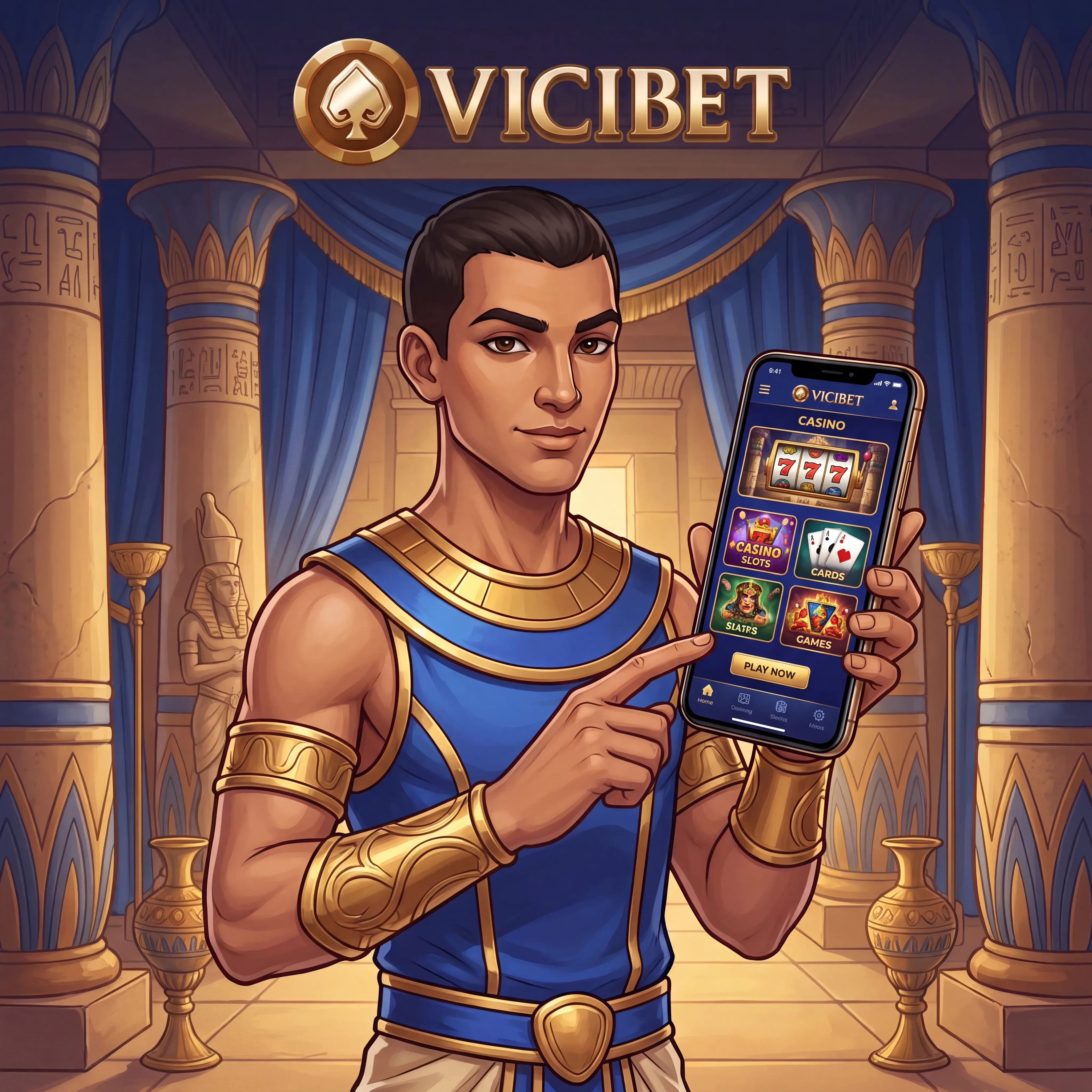
Our mobile experience keeps the 11,368-game catalogue, sportsbook, cashier, My Bonus area and support inside a responsive browser interface. A home-screen shortcut opens the site like a dedicated app while preserving the current account and security route. There is no need to move deposits, verification or bonuses into a separate profile.
Create the Shortcut on iPhone
Open ViciBet in Safari, sign in through the secure account page, tap Share, choose Add to Home Screen, confirm the ViciBet name and tap Add. The icon then opens the current mobile site directly. Keep Safari updated and remove old duplicated shortcuts if the icon points to an outdated page.
Pin ViciBet on Android
Open the site in Chrome, use the browser menu and select Add to Home screen or Install app when shown. Confirm the name and placement. The shortcut uses the live web service, so game counts, promotions and sportsbook markets update without a separate store release.
What Remains Available on Mobile
You can filter 9,405 slots, open live roulette and blackjack, use demo mode on supported titles, set sportsbook odds to decimal, fractional or American, track live bets, activate My Bonus offers, make a deposit, upload KYC files and review withdrawals. Live chat remains accessible around the clock.
For a stable live table or stream, use a reliable private connection, close background media and keep enough device storage for browser cache. Before confirming a payment, check that the currency, method and account name match your profile.
Mobile Security Belongs to the Device Owner
Protect the phone with a passcode or biometric lock, do not store credentials on a shared device and sign out before lending the phone. Verification links and support messages should be opened only from the account or official ViciBet communication. If a device is lost, change the password and contact support promptly.
FAQ
How do I add ViciBet to an iPhone home screen?
Open the site in Safari, tap Share, choose Add to Home Screen, confirm the name and tap Add.
How do I create a ViciBet shortcut on Android?
Open ViciBet in Chrome, select Add to Home screen or Install app from the browser menu, then confirm the icon.
Can I claim a casino bonus from mobile?
Yes. Open My Bonus, select the stage and activate it before wagering the qualifying deposit.
Does the mobile lobby include live casino games?
Yes. Mobile filters include highlighted live tables, roulette, blackjack, game shows and other live formats supported by the device.
Can I upload verification documents from my phone?
Yes. Use clear, uncropped images and check that the name, date and address remain readable before submission.
How can I improve a live betting session on mobile?
Use a stable private connection, select the correct time zone and odds format, and close background streaming apps before opening live markets.
What should I do if I lose the phone used for ViciBet?
Change the account password from another trusted device and contact 24/7 support to review recent sessions and account security.